

You are now in the “Coach Selection'' phase, where your only task is selecting a coach that will support your leadership growth. You’ll notice that at this stage you will not be able to navigate all the functionalities yet. Follow the steps hereunder in order to access the coaches’ profiles.
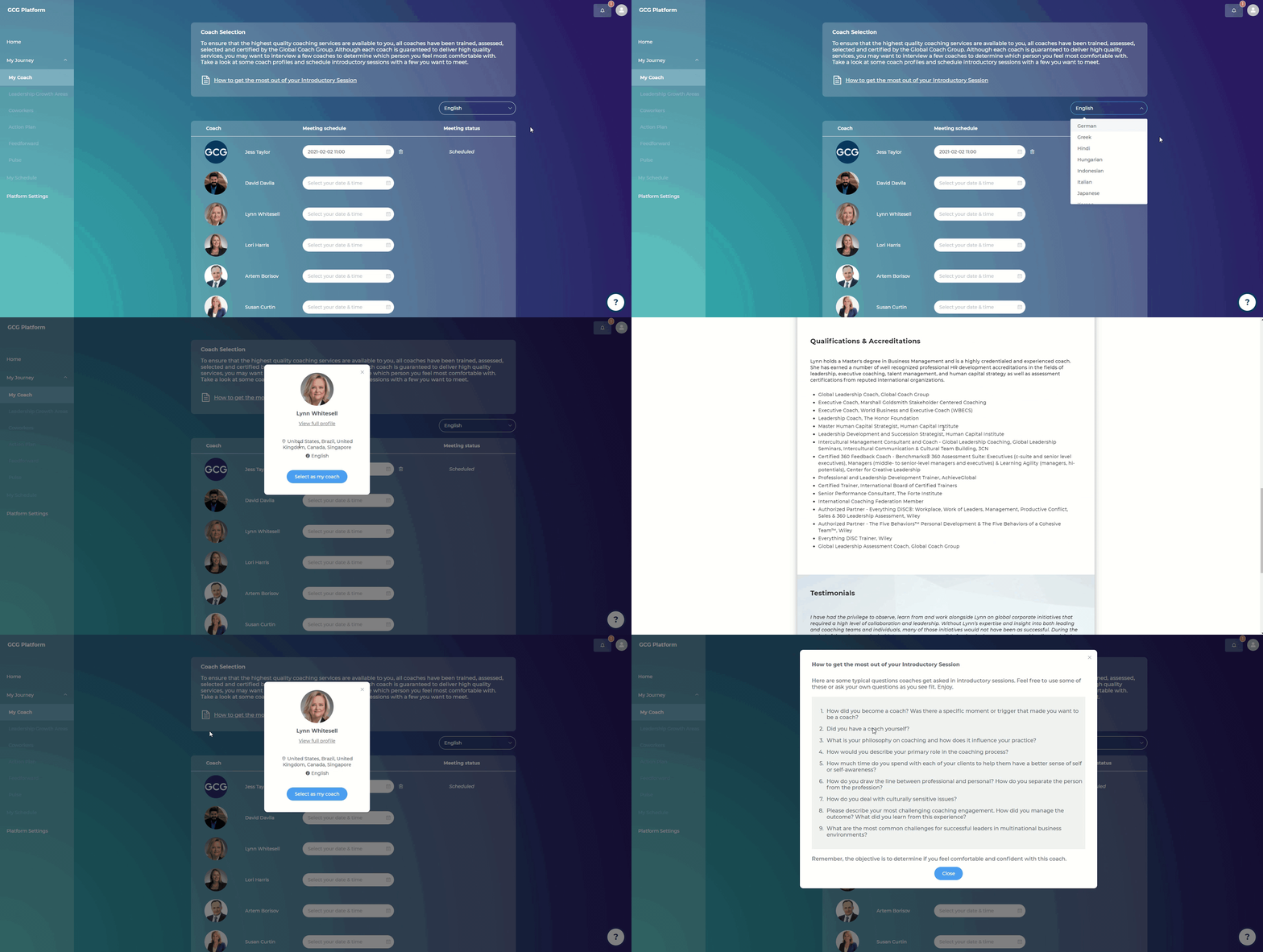
Steps:
Go to “My Coach”
Filter by language - The system will display by default the profiles of the coaches that can provide coaching in your preferred coaching language.
Hover over the coach’s name and click “View info”
Click on “View full profile” to see the full profile of the coach