

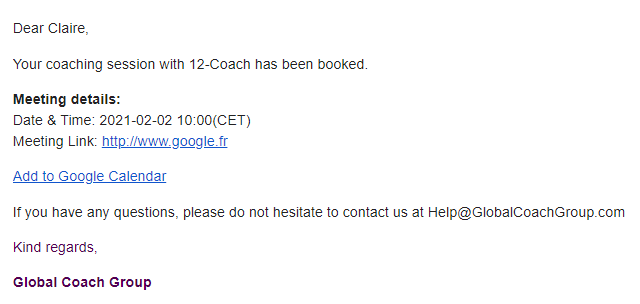
When you book a coaching session, you will immediately receive a confirmation email. In this email, you will see the option to "Add to Google Calendar." Clicking on this link will draft a Google Calendar event for you, that you can choose to edit however you wish.
Please note: After this event has been added, it will not be modified by the platform, even if the coaching session becomes canceled or rescheduled. Please modify this event as necessary if there are changes to your future plans.